
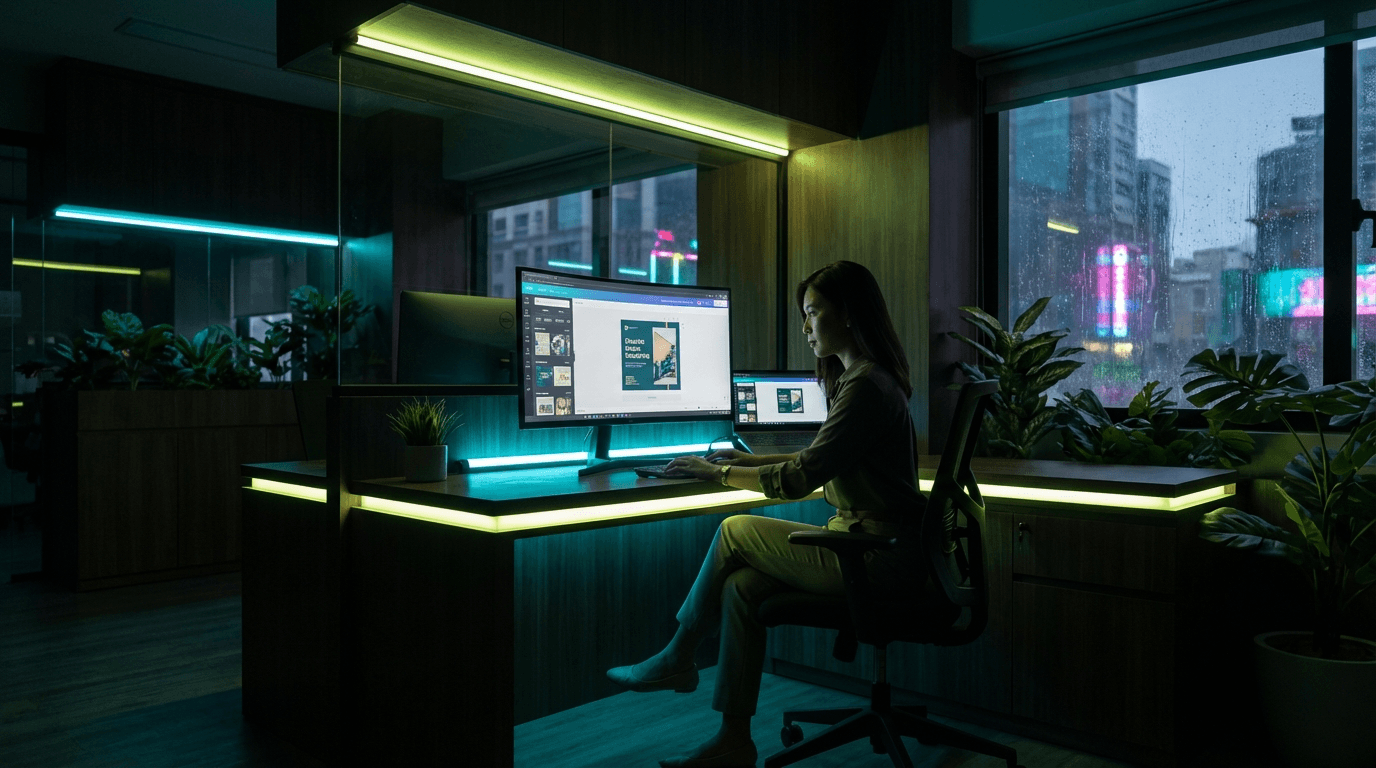

Canva Virtual Assistant: Unleash Your Business's Design Potential
What is a Canva Virtual Assistant?
A Canva virtual assistant is someone who knows Canva inside out. They design social media posts, presentations, infographics, posters, and marketing collateral using Canva's templates and tools. No years of Adobe training needed. Most can get to "professional looking" in weeks. The platform does the heavy lifting — they do the thinking.
Why a Canva Virtual Assistant Matters
Here's the problem: 94% of hiring and engagement decisions come down to visuals. If your social feed looks amateur, people don't click. If your presentation is generic, they don't remember you. Most SMEs either can't hire a designer ($80–120k/year salary) or they're spending 15–20 hours a week DIY-ing graphics themselves. A Canva VA fixes that.
- Design quality actually moves the needle. Humans process visuals 60,000x faster than text. That's not fluff — it's neuroscience. Good graphics mean people actually see your message.
- You get time back. Stop doing the design work yourself. Let the VA handle it, you focus on sales, product, or strategy.
- It costs a fraction of hiring in-house. A Canva VA in the Philippines costs $400–700/month working 40+ hours. A junior designer in Australia or the US costs that per week.
- Consistency actually happens. Same fonts, colours, spacing across everything. People start recognising your brand because it looks intentional, not random.
"93% of business decisions are based on visual appearance. Companies that invest in visuals see 40% higher engagement rates than those that don't." – HubSpot
What a Canva VA Actually Does
This isn't creative genius stuff. It's systematic production. A good one handles:
- Social media graphics: Instagram posts, LinkedIn carousels, TikTok templates, whatever your platform is. On a schedule.
- Marketing collateral: Flyers, brochures, email headers, ads. Anything that needs to look professional and on-brand.
- Presentations: Decks for pitches, training, webinars. Templated so you can reuse the structure.
- Infographics and visual data: Charts, timelines, comparisons. Making boring information look interesting.
- Brand kits: Colour palettes, typography, logo variations, style guides. If you don't have one, they build it.
- Templates your team can reuse: So anyone in your org can maintain brand consistency without design skills.
How to Hire a Canva Virtual Assistant
Don't overthink this. You're hiring someone to produce graphics, not designing your company's visual future alone.
- Know what you actually need. List the specific tasks: "Instagram posts 3x/week", "monthly email headers", "LinkedIn templates", etc. Be honest about volume and deadline.
- Write a clear job description. Include examples of work you want (style, tone, complexity). Say explicitly: "Canva proficiency required. Portfolio must include [social graphics / presentations / infographics — whatever you actually need]."
- Use job boards that reach talent. Upwork, Freelancer, or hire direct through a BPO like ShoreAgents. BPO hiring is faster — vetting is already done, contracts are standard, onboarding is smoother.
- Interview them properly. Show them 3–5 examples of your actual brand work or competitors you respect. Ask: "How would you redesign this?" Their answer tells you if they understand your taste.
- Run a test project first. Pay $50–100 for a real task — design 3 Instagram posts or a presentation template using your brief. This reveals whether they take feedback, hit deadlines, and understand your brand.
- Onboard clearly. Give them your brand guidelines (fonts, colours, tone), a shared folder for assets, and a Slack/email process for requests. The first month takes longer; it gets faster after that.
Cost Breakdown
Rates vary wildly. Here's what you're actually looking at:
- Junior Canva VA (Philippines, less than 2 years experience): $400–600/month for full-time (40 hours/week). Good for high-volume, lower-complexity work. May need more direction and feedback loops.
- Mid-level VA (3–5 years experience, specialised in design or specific industries): $700–1,200/month. Can work more independently, understands brand strategy, produces faster.
- Australia/USA contractors: $35–65/hour as a freelancer, or $80–120k+ as full-time. Same output as the Philippines hire, 5–10x the cost.
- Project-based pricing: If you don't need full-time: $200–500 per 10–20 social graphics, depending on complexity. Infographics or complex designs can run $400–1,000+ each.
"The Philippines produces the world's cheapest and fastest-growing talent pool for graphic design and digital marketing roles. A VA there gets NBI clearance, full health insurance, 13th month pay, and earns a middle-class wage. You get professional output at 15% of Australian rates." – ShoreAgents
Why Philippine VAs Actually Work for Design
We've placed 500+ VAs since 2019, starting with REMAX overseas hires back in 2012. Here's why Filipinos dominate the Canva space:
- English fluency: 97% of our VAs speak fluent English. Your brief doesn't get lost in translation. They understand Australian sarcasm and American directness without confusion.
- They're cultural chameleons. Filipinos work well in Western teams. They adapt to your tone, your deadline culture, your feedback style. No friction.
- Cost is real, quality isn't sacrificed. Same education and work ethic, half the living costs. A VA in Manila earning $600/month is earning solid middle-class income. They're invested in keeping the job.
- They understand Canva deeply. Canva was designed for non-designers. Filipinos got it fast. We've trained hundreds specifically in template design, brand consistency, and production workflows.
- Timezone actually helps, doesn't hurt. They work your evening/night. You wake up to finished work. Turnaround is fast because there's 8–12 hours of non-overlap each day.
Wrap-up
Hire a Canva VA when your brand visuals are either costing you too much time or look like they were designed by accident. That's not snobbery — it's arithmetic. A $500/month hire saves you 10 hours a week that you can spend on things that actually drive revenue. And if consistency and polish matter for your brand, they do.
We've been placing VAs in Clark Freeport since 2019. We handle vetting, contracts, and onboarding. If you want to skip the freelancer shuffle and get someone production-ready in 2 weeks, start here. Check pricing to see what fits your budget.
Want more context? Read about what a virtual assistant actually does, or dig into how offshore design support works. We also have guides on onboarding and scaling VA teams.
Ready to Hire Your general Assistant?
Get matched with pre-vetted general VAs in 24 hours. Transparent pricing, no hidden fees.
Related Articles
HubSpot Virtual Assistant: Grow Your Business with Expert Support
500+ VAs placed. CRM teams waste hours on data entry. HubSpot VA runs your pipeline, cleans data, frees your sales team to close deals. Clark, Philippines.
How to Delegate Your CRM to a Virtual Assistant: A Step-by-Step Guide
Stop wasting time on CRM data entry yourself. We place Filipino VAs to handle records & follow-ups for $15–25/hr. 500+ placements since 2019. Results in days.
Dedicated vs Shared VA: Which Virtual Assistant Model is Right for You?
500+ VAs placed, and most shared-VA hires end up frustrated. Here's why dedicated works: one person learns your business, stays invested, costs way less.